Movie Barcode Generator


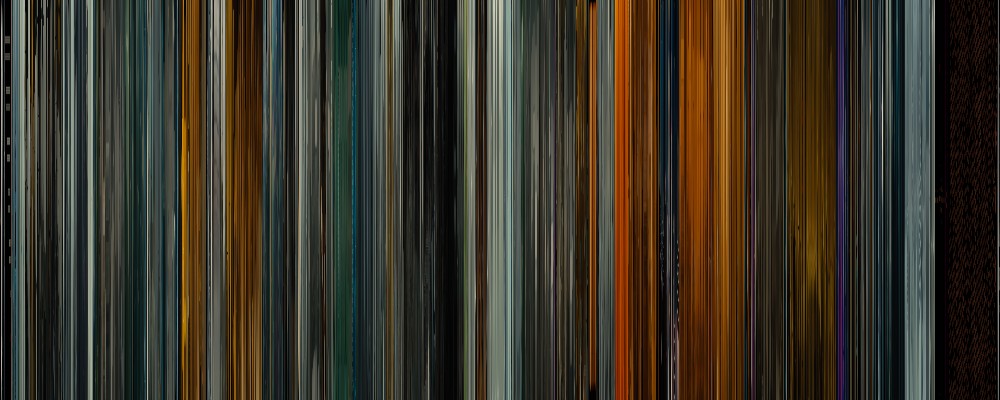
Ever wanted to create your own movie barcode?

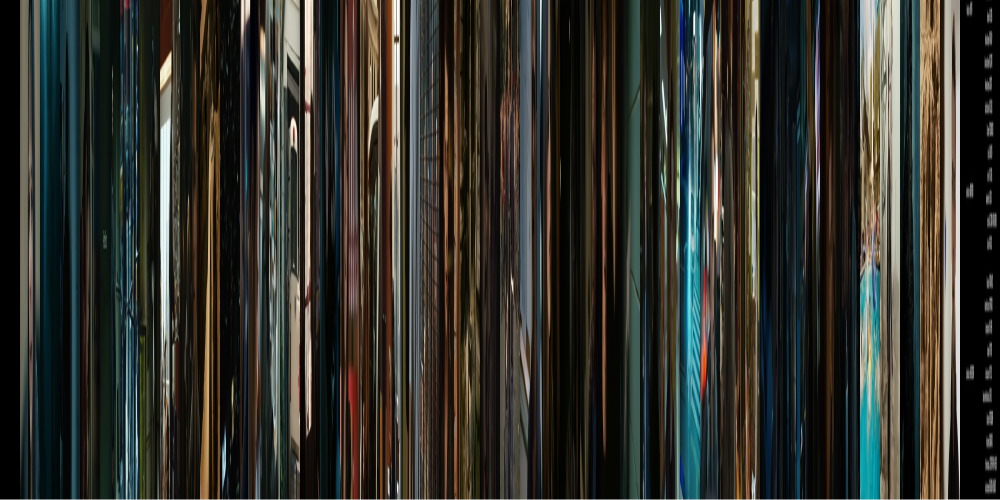
Like this?

Lost In Translation - barcoded


Well, I wanted too, so I created Movie Barcode Generator.
And I’m now releasing it to everyone. Enjoy!


Usage


You give it a movie (avi/wmv), you obtain a nice barcode.

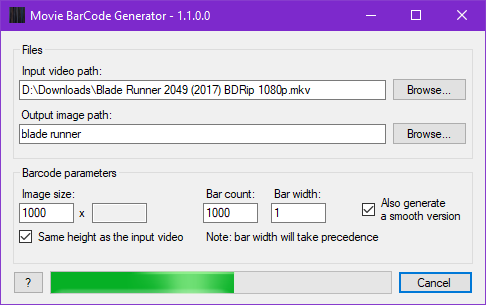
Movie Barcode Generator GUI


You can tweak some parameters, to obtain different outputs:
- Width and Height of the barcode, in pixels.
- Iterations: Basically the number of “slices” in the barcode.
- Bar width: the width of each slice in pixels.


If you leave the auto correct checkbox checked, iterations and bar width values will be auto adjusted whenever you modify the other, to fit in the desired image width.


Advanced usage/batch mode


You can also start this program in command line mode. To do so, simply add arguments to the program.
This mode allows you to generate one or many barcodes in one time.

Command Line Interface


Be advised: this mode has not been extensively tested. Use with care and please report any problem.

Examples


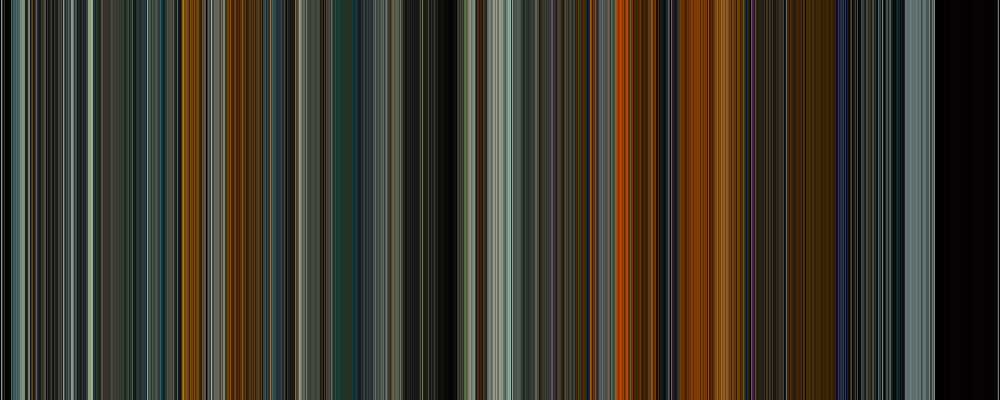
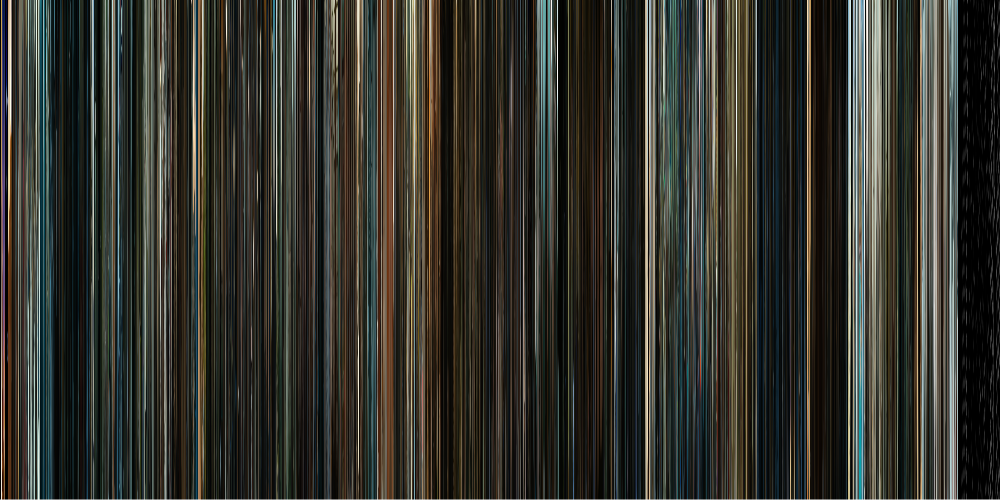
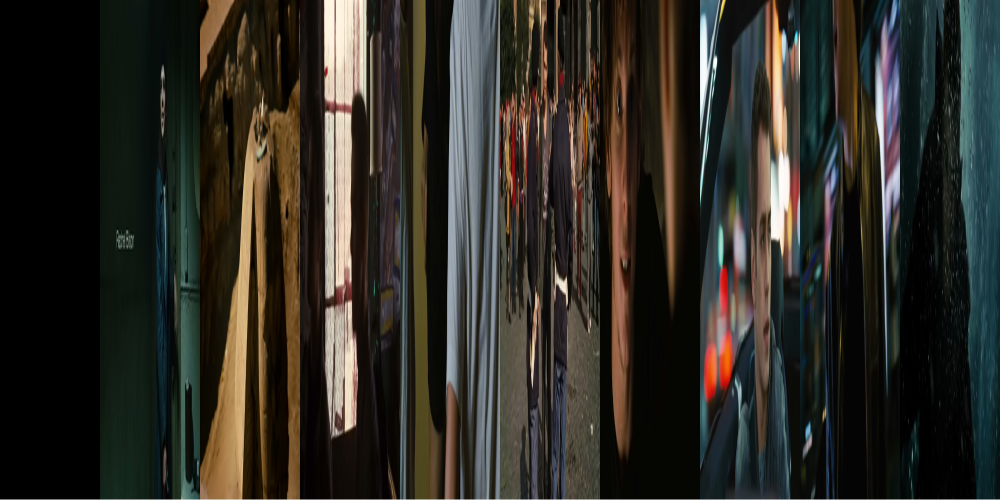
Feel free to experiment! Here are some examples of different outputs, using the same movie (Jumper) but with different parameters:

Iterations: 1000, Bar width: 1


Iterations: 50, Bar width: 20


Iterations: 10, Bar width: 100


Featured


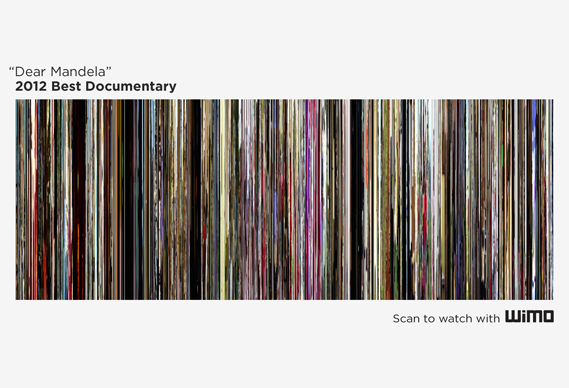
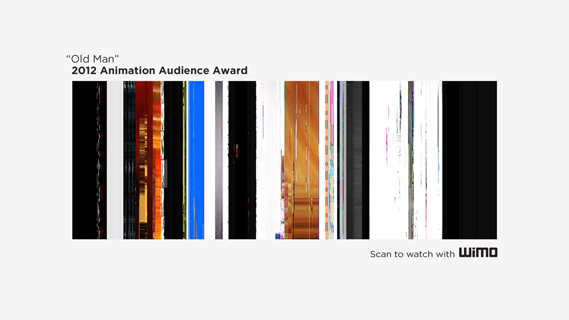
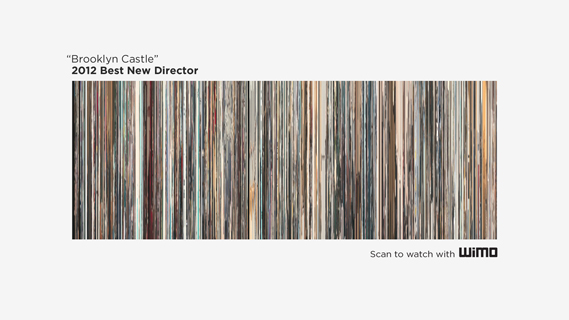
This program was used to design the posters and the trailer for the 2013 Brooklyn Film Festival.


Check the trailer! http://www.youtube.com/watch?v=2jDMijLkDPM


Download


This program is freely available, along with its source code, under GPL license, and part of it under CPOL license (see sources for details).

Keep in mind that it is still a beta. There is probably some bugs left…

Current version: 0.5

- Binary version (if you don’t know what to download, take this one)

- C# sources (mercurial repository)


Technical details


Since the first release, the source code has been heavily modified and optimized.
Among other things, it now intensively makes use of threading, to achieve barcode generation at the highest speed possible.
If you are interested in algorithms and explanation, you can read my first post on this topic (in French).
Or you can simply take a look at the source code ;)

  • #1 written by Andreas
    about 1 month ago

    hi everybody!

    seems that it does not work with win8.. anything can do?
    Would love to use your amazing tool..

    thx for your help!
    Andreas

    • #2 written by Yaurthek
      about 1 month ago

      I just tested, and it works fine on Windows 8.
      The problem is probably specific to the video you used…
      This program can only handle basic avi files and some wmv. Nothing too fancy.
      You should maybe try to convert your video beforehand…
      I know it sucks. Sorry.

      • #3 written by Andreas
        about 1 month ago

        Hi Yaurthek,

        this is the error-file i’ve got after starting creating barcode-pic:

        Problemsignatur:
        Problemereignisname: CLR20r3
        Problemsignatur 01: moviebarcode.exe
        Problemsignatur 02: 0.5.4427.32229
        Problemsignatur 03: 4f3a91ba
        Problemsignatur 04: mscorlib
        Problemsignatur 05: 4.0.30319.18033
        Problemsignatur 06: 50b5a536
        Problemsignatur 07: 1705
        Problemsignatur 08: 25
        Problemsignatur 09: System.IO.FileNotFoundException
        Betriebsystemversion: 6.2.9200.2.0.0.768.101
        Gebietsschema-ID: 1031
        Zusatzinformation 1: 5861
        Zusatzinformation 2: 5861822e1919d7c014bbb064c64908b2
        Zusatzinformation 3: f3d5
        Zusatzinformation 4: f3d5be0cad2787556264647dc02181c3

        –> may this be the problem?
        Problemsignatur 09: System.IO.FileNotFoundException

        I tried different types of movies, got allways the same error..
        Can you discribe “not too fancy”? :-)
        Are there special settings to convert movies?

        Thx! :-)

        • #4 written by Yaurthek
          about 1 month ago

          The error says File not found. After some testing, turns out I have the exact same error if I delete the dll…
          Are you sure you have the “Interop.DexterLib.dll” file in the same directory as “MovieBarCode.exe”?

          • #5 written by Andreas
            about 1 month ago

            thx for testing.. yes, I do have the “Interop.DexterLib.dll” in the same directory.

            could there be error by having anti-virus-software activated?

            The headline you can read in the error-window says:
            MoviebarCode Generator doesn’t work “any longer”..
            strange..

          • #6 written by Yaurthek
            about 1 month ago

            I don’t think your antivirus has anything to do with the error, but you can still try to disable it and test…
            I really don’t see what could be wrong… did you test with another video?

            I can say for sure this one works with my program: http://ompldr.org/vaTE0ag/2_Hamsters_1_Wheel.avi

          • #7 written by Andreas
            about 1 month ago

            I tested disabled antivir –> negativ
            I tested your *.avi –> negativ

            guess, there are some option activated in my win8 that
            makes these kind of trouble.. but no idea, wich one..

            thx for your help anyway.. :-)

  • #8 written by al corrupt
    about 2 months ago

    Awesome bit of ‘ware. Thanks

  • #9 written by Toban Nichols
    about 2 months ago

    I didn’t see this anywhere on the site so am asking if there is a Mac version available?

  • #11 written by Alby
    about 2 months ago

    If you need a bit more control over the design of your barcode I wrote a set of instructions here.

  • #12 written by RF
    about 3 months ago

    J’y pense à l’instant : pourrait-on également imaginer, avant génération du code barre, de pouvoir classer les “slices” par nuances ? Cela permettrait de mettre en évidence l’utilisation parfois abusive du bleu dans les films d’horreur, etc.

    • #13 written by Yaurthek
      about 3 months ago

      Tout est possible… ^^
      J’avoue que je ne voyais pas l’intérêt, avant votre remarque, à part faire des arcs en ciel, mais l’exemple que vous donnez est assez pertinent.

      Plutot que d’intégrer ces fonctions dans le générateur de code barres, j’ai créé un projet secondaire qui prend en entrée un barcode et crée une nouvelle image avec les tranches triées par teinte. Il est téléchargeable ici : http://hg.arcanesanctum.net/slicesorter/downloads

  • #14 written by RF
    about 3 months ago

    Peut-on imaginer une option dans laquelle on extrait, à chaque image extraite, sa couleur dominante ? Si l’on ne conservait que cette teinte dominante pour créer les barres d’1 pixel de large, on obtiendrait sans doute un véritable effet “code-barre”.

    J’aimerais tester cela, mais je ne sais absolument pas coder.

    • #15 written by Yaurthek
      about 3 months ago

      Il y a une façon très simple de tester ceci : prenez n’importe quelle image, redimensionnez la pour qu’elle fasse un pixel de hauteur, puis à nouveau à sa taille normale. L’écrasement permet d’obtenir la moyenne des couleurs et on obtient un code barre ! (oui, ce n’est sans doute pas à propre parler la couleur dominante, mais on s’en rapproche)

      Personnellement, je préfère la version originale et tous ses détails…

  • #16 written by Antti Salovaara
    about 5 months ago

    Thanks for this :) !

    I just made a 100x70cm poster that includes three personally important films, using your generator. (Here’s a small preview, though it looks a lot better in actual size: http://taival-ambient.com/valolla/mbarcjuliste_p.jpg . The three films are Cries and Whispers, The Mirror & Songs from the Second Floor.)

  • #17 written by David Sutherland
    about 9 months ago

    Nifty output w/ some AVI’s I had laying around.

    If you update your code, please offer a top to bottom (instead of left to right) (i.e. 90 degree rotate) feature.

    Love it! Thanks again.

    • #18 written by Yaurthek
      about 9 months ago

      Thanks for your comments.

      Regarding the VOB files, my program is based on some outdated Microsoft apis I don’t control, so I really can’t add support for any format, would I be willing to, sorry. :/
      All the code would need to be rewritten, and this is not going to happen anytime soon.

      As a workaround, you still can convert your files to a supported avi format with another utility though.

      For the 90 degree rotation, this could be a nice addition, but this is as easy to do it with any drawing application out there…
      I will think of it if ever I update my program.

  • #19 written by David Sutherland
    about 9 months ago

    GREAT WORK! Love the simplicity.

    Doesn’t work on VOB’s under Windows 7 32bits though. Just crashes.

    Can I offer a bounty payment to get it to open DVD’s group VOB’s into TITLES and generate multiple images per TITLE? Please contact me if interested.

  • #20 written by B
    about 11 months ago

    Hi!
    Firstly, thank you for the awesome work!

    However, it doesn’t work for some files…
    and I’m quite the noob when it comes to coding.
    Is there an updated version available for download?

    Thanks!!

    • #21 written by Yaurthek
      about 11 months ago

      Hello,

      It works with most of avi files, and some wmv… I can’t do much if it doesn’t, sorry :/
      The api I use is deprecated (if you are curious) so it is not going to change soon.

      That said, the best thing you can do is convert your video to a working format. Do some try out with standard codecs and avi format…
      I’m afraid I can’t help you much with that, sorry again.

  • #22 written by Bennett
    about 12 months ago

    I just wanted to leave a thank you for this! It has worked beautifully for me so far, and I cannot thank you enough!

  • #24 written by Spac3dog
    about 1 year ago

    I have been playing around with the settings some and currently anytime I try to use an image size of greater than 21,000 x 7,000 with greater than 21,000 iterations and a bar with of 1 the program crashes. Am I hitting a limit of some kind? I was trying to see if it would be possible to actually do every frame of a film and in order for me to keep reaching the higher iterations I had to keep a 3:1 ratio and keep the iterations the same as the width. However anything over the 21,000 x 7,000 seems to not work.

    • #25 written by Yaurthek
      about 1 year ago

      You are probably, indeed, hitting a limit.
      Keep in mind that to be able to manipulate images, the program uses uncompressed bitmap format. In this format, the image you want to create is about 420Mo, which means a chunk of 420Mo of contiguous memory (RAM) to allocate, which is a lot…

      I see two possibilities:
      -the huge image you are trying to create does not fit in a free contiguous chunk of memory.
      -the .Net Framework or a wrapped native method does not allow to allocate enough memory for the image, even if you does have enough free memory.

      In the first case, closing some other programs or buying more ram could help.
      In the second case, the entire program should be rewritten, using different method. (and before anyone asks, I tried to recompile the program in x64 mode, but the Interop.DexterLib.dll library is not compatible and the source is not available, so, unless someone wants to rewrite it, this can’t be done.)
      Not cool, I know, sorry.

      That said, I don’t think creating such a huge image is a good idea. That’s fun for sure, but very few programs will allow you to actually open the result… (a one hour movie at 24 frames per second would result in a 86400 pixels wide image)

      And if you want to extract every frame of a video, there is much better solutions (ask Google) …

  • #26 written by Sorcha
    about 1 year ago

    The video is http://vimeo.com/12979044

    Trying to make it as its my friends own film so it would be brilliant for him to have! Tried it with a longer short film (Flowers by same guy) and it came out really well, but that film is 14 mins. Maybe this one is just too short? x

    • #27 written by Yaurthek
      about 1 year ago

      I don’t think its shortness alone makes it bad.
      I think it’s mainly because there is a lot of almost static shots, so the images are very similar and give the impression that a single image was taken then stretched when dozens are actually taken. Of course, the shortness of the video doesn’t make it better.
      I’m afraid nothing much can be done, sorry…

      • #28 written by Sorcha
        about 1 year ago

        ahhhhh i see…. that would make sense I suppose! Thank you very much for your help and for your fab app :) Works perfect for one of them so thats a good enough present I think :) x

  • #30 written by Yaurthek
    about 1 year ago

    I can’t help you much without seeing the video you are using…
    What I can say for sure though, is that you will never have the same type of image with a short film and with a long film.
    the output will be very smoother with a short film, as the images coming from a same plan will be very similar…

  • #31 written by Sorcha
    about 1 year ago

    Managed to get it to work! I think it was due to the file. However I am trying to generate a bar code for a short film (4 mins long) and its coming out as if the literations are set to a very low amount, say 10 with a high bar width, but I want it the very thin bar width. Aiming for 1, but it won’t come out like that! :( Any ideas?

    Thank you! x

  • #32 written by Sorcha
    about 1 year ago

    Hello!

    I downloaded this but it just crashes and doesnt work :( Any ideas?

    Thanks!

    • #33 written by Yaurthek
      about 1 year ago

      What is your operating system ? (Windows XP, Vista, Seven…? 32 bits or 64 bits version?)
      What kind of message is displayed ? (a screenshot or the error text would be nice)

      The first thing that comes to mind is a .Net framework error. You need to have it installed to run this program…